
Conversational access to trusted knowledge
Help people get from question to confident next step.
VoiceIt makes an organization’s approved information easier to understand and use. It can answer routine questions, guide people through available services, discover relevant resources and provide assistance beyond normal office hours while keeping the organization in control of content, configuration and access.
Voice, chat and AI calls
One helpful conversation across multiple channels.
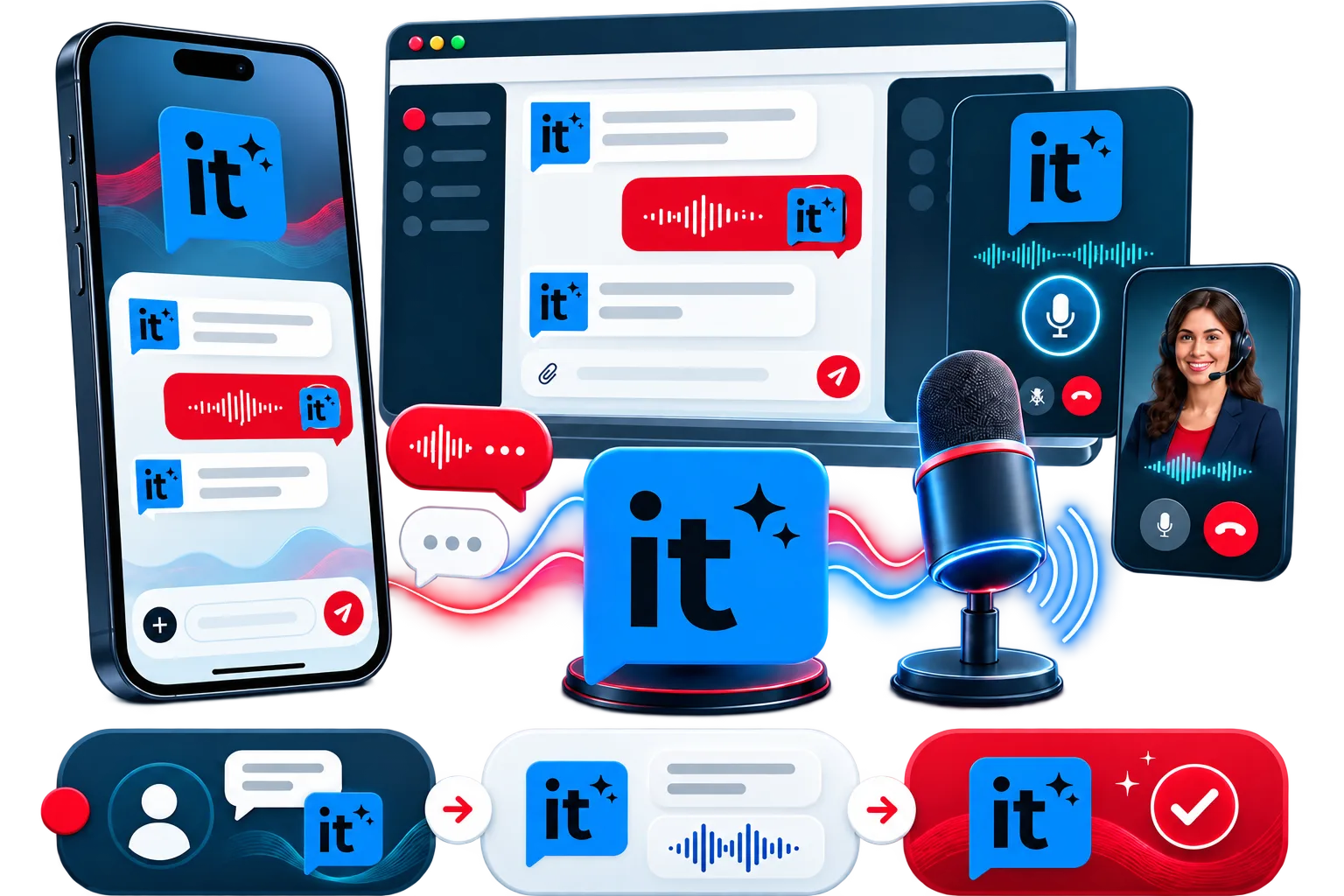
Users can speak naturally, type a question or use a real-time AI phone-call option. VoiceIt can also explain what it can do, provide help within the conversation and guide first-time users through a simple VoiceIt 1-2-3 experience.
- Natural voice and typed-chat assistance
- Real-time AI phone calls where configured
- VoiceIt 1-2-3 guidance for first-time users
- Built-in help and “What can you do?” assistance
Approved knowledge and clear sources
Answers shaped by information the organization trusts.
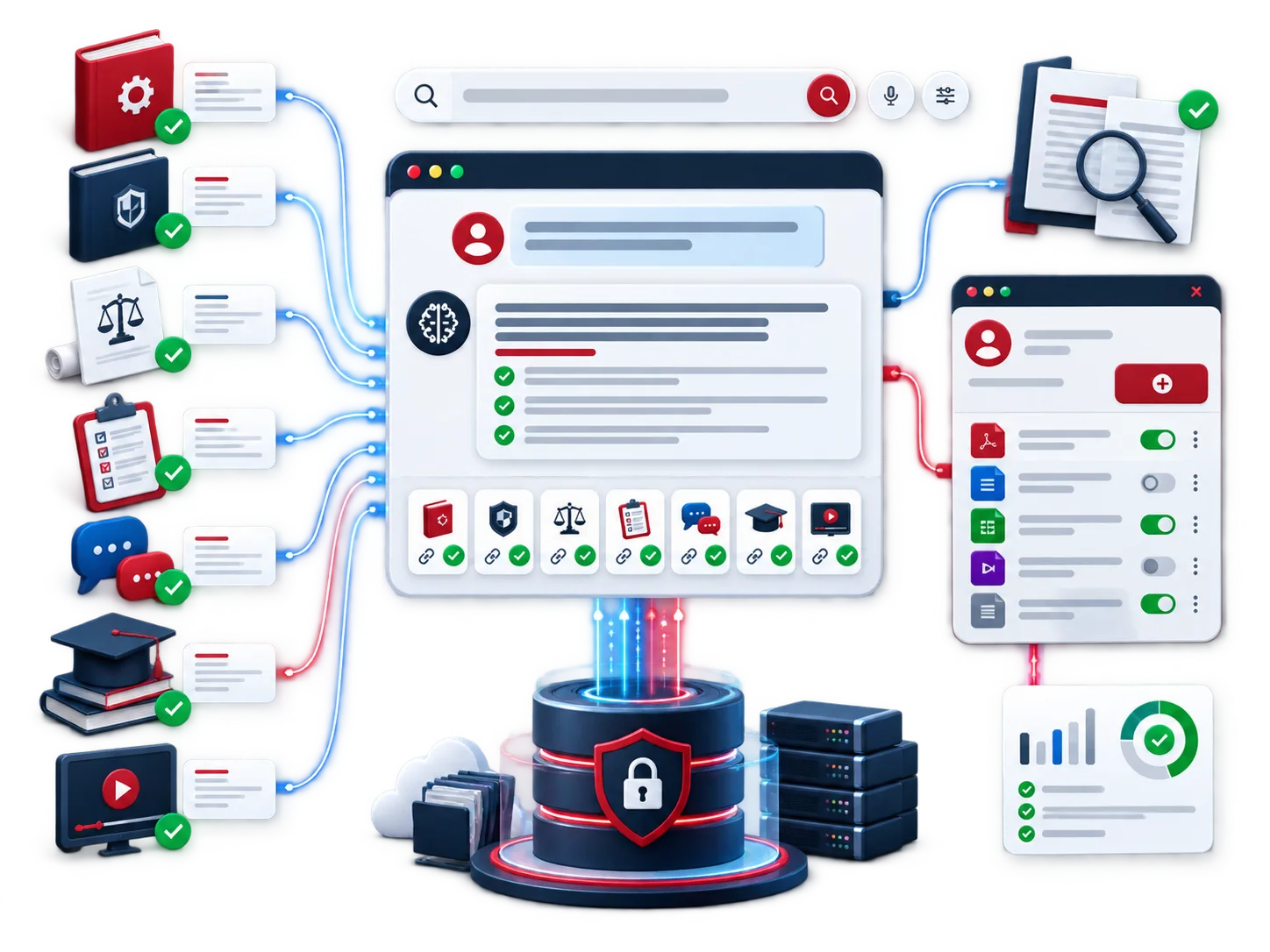
VoiceIt can work across approved manuals, policies, legislation, FAQs, course material, procedures, forms, videos and knowledge bases. Responses can include source links and intelligently surface the supporting resources a user may need next.
- Grounded answers based on approved organizational content
- Source-backed responses with supporting document links
- Discovery of relevant forms, documents, videos and guides
- Administrative content updates to keep answers current
Designed for public and personalized assistance
Useful from the first question through the final follow-up.
Quick guest access
Let public users begin a useful conversation without unnecessary account friction.
Secure registered access
Support personalized preferences and experiences for authenticated users where required.
Session continuity
Allow configured users to return to an unfinished conversation instead of starting over.
Summaries and follow-up
Provide conversation summaries and send approved session information by email.
Privacy Pod and kiosk deployment
Bring private, conversational assistance into physical spaces.
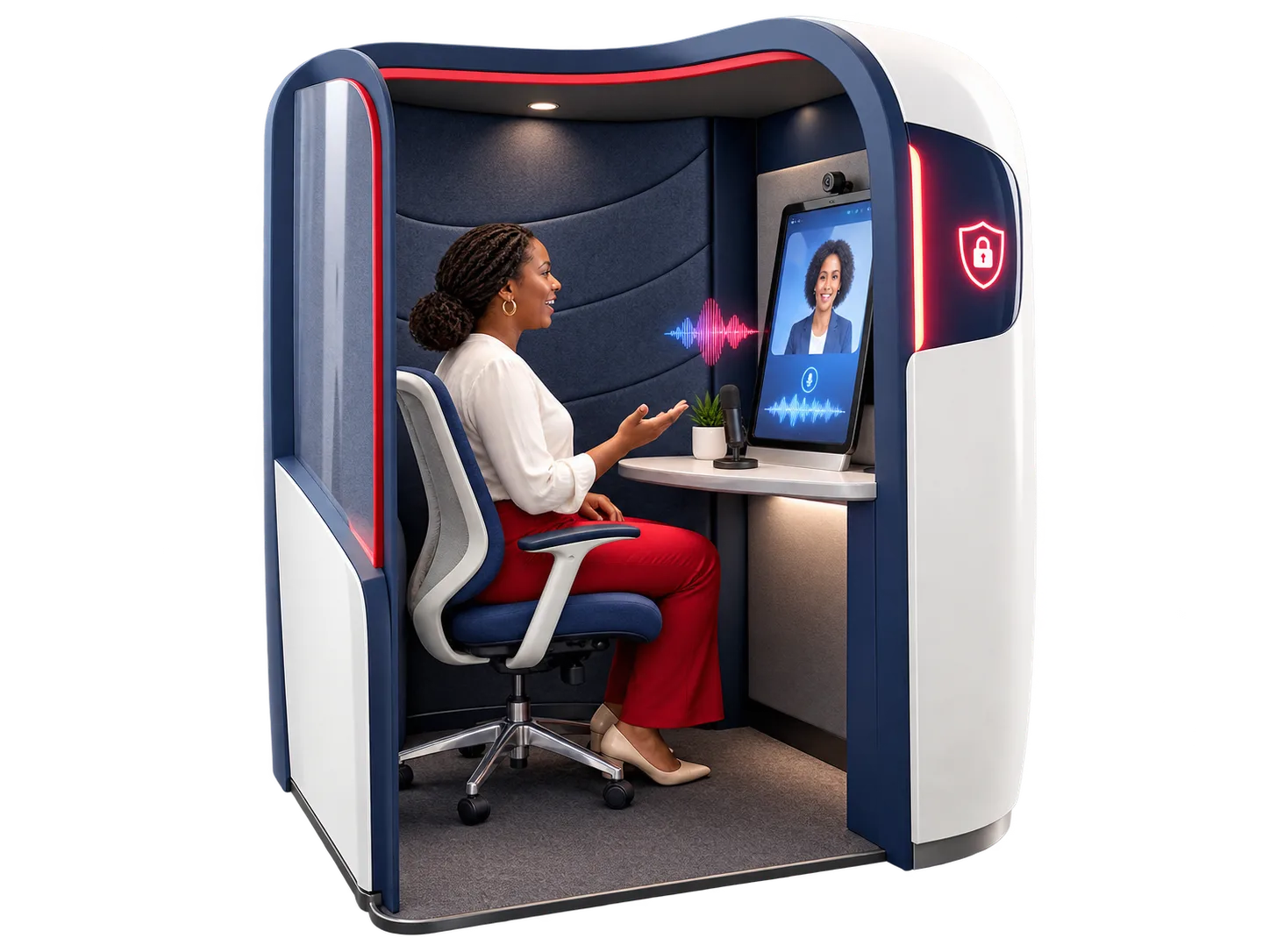
VoiceIt can be deployed in a purpose-built Privacy Pod or kiosk environment for reception areas, public service centres, campuses and other shared locations. The pod gives users a more comfortable setting to speak while preserving a clear, controlled journey from start to end session.
- Reception, service-centre and campus-ready deployment
- More private environment for voice and real-time AI calls
- Accessible, guided interaction for walk-in users
- Privacy, settings and end-session controls built into the journey
Training-assistant mode
Keep learning support available after the session ends.
VoiceIt can support workshops, induction, policy rollouts, courses and regional learning programmes. Learners can ask immediate questions during delivery, then return to approved material and assistance outside normal office hours.
Complete VoiceIt capability
Configured for the organization, its users and its knowledge.
Client-specific experience
Customize branding, personality, language, tone and the approved knowledge base.
Multilingual assistance
Support audiences across configured languages while preserving the intended service experience.
Website and learning embed
Add VoiceIt to compatible websites and e-learning platforms through a lightweight script or plugin.
Secure user journey
Configure guest access, registered experiences, preferences, privacy settings and end-session controls.
Knowledge administration
Give authorized administrators a way to maintain approved content and keep guidance current.
Approved integrations
Connect compatible portals, repositories, databases and client systems through supported interfaces.
Built for trusted assistance
One conversational platform for many service environments.
Configured around approved knowledge and a clear user journey.
- DiscoverDefine audiences, questions, channels, source content, privacy needs and desired outcomes.
- PrepareOrganize and approve knowledge, conversation guidance, branding, language and access rules.
- DeployConfigure VoiceIt, connect approved systems, embed the experience or install the kiosk, then test and train.
- ImproveReview usage, update approved content and refine the experience as needs evolve.
Frequently asked questions
VoiceIt AI assistance, clearly explained.
What is VoiceIt?+
VoiceIt is Cherami’s customizable conversational AI solution. People can ask questions naturally by voice or typed chat and receive useful answers grounded in an organization’s approved information.
Can users speak to VoiceIt by telephone?+
Yes. A real-time AI phone-call option can be configured for people who prefer to speak rather than use a website or app.
How does VoiceIt keep answers grounded and trustworthy?+
VoiceIt is configured around approved organizational sources. Responses can include links to supporting documents so users can review the material behind an answer.
What types of content can VoiceIt use?+
VoiceIt can work with approved manuals, policies, legislation, FAQs, course material, procedures, forms, videos, user guides and knowledge bases. Available sources depend on the client’s deployment and permissions.
Can VoiceIt help users find forms, documents and videos?+
Yes. VoiceIt can intelligently surface relevant forms, supporting documents, videos, user guides and other approved resources during the conversation.
Do users need to register before asking a question?+
Not necessarily. Guest access can provide quick public assistance, while secure registered-user access can support personalized preferences and experiences where required.
Can a user return to an unfinished conversation?+
Yes. For configured registered experiences, session continuity can allow a user to return to an unfinished conversation. VoiceIt can also provide session summaries and email approved follow-up information.
What is the VoiceIt Privacy Pod?+
The Privacy Pod is a kiosk-ready, semi-private deployment for reception areas, service centres, campuses and similar locations. It gives users a more comfortable space for a voice or real-time AI call interaction.
Can VoiceIt support training and induction?+
Yes. Training-assistant mode can support workshops, policy rollouts, induction and regional learning programmes with instant questions and answers based on approved course or policy material.
Can VoiceIt be embedded into an existing website or learning platform?+
Yes. VoiceIt can be embedded through a lightweight script or plugin, subject to the client platform, technical requirements and approved integration design.
Does VoiceIt support multiple languages?+
Yes. VoiceIt can be configured for multilingual deployments, including the organization’s preferred language, tone, personality and approved knowledge base.
Can administrators keep VoiceIt content current?+
Yes. Authorized administrators can update approved content and settings so answers can evolve with current policies, procedures, forms and service information.
Can VoiceIt integrate with client systems?+
Where suitable interfaces and permissions are available, VoiceIt can integrate with approved portals, document repositories, databases and client systems. Integration requirements are confirmed during discovery and technical design.
How are privacy and security handled?+
The experience can include secure access, privacy controls, configurable settings and clear end-session controls. Specific safeguards, data handling and retention rules are agreed for each deployment.